.png?width=300&height=73&name=Klearnow-logo-fullcolour%20(3).png)

Visit the site www.klearnow.ai and click on the Sign In > Importer option from the top right corner.
Hint: We recommend using Google Chrome web browser for best experience.
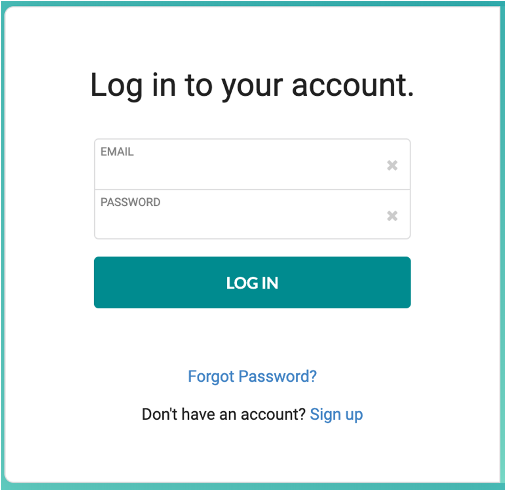 |
On the following screen, enter your email and password. Click on ‘Log In’ to sign in. If you are having trouble logging in, please click on the ‘Forgot Password?’ link. You will receive an email with the link to reset your password. Hint: Please remember to check your email spam folder. Note: Your KlearNow administrator should have created your login credentials. |